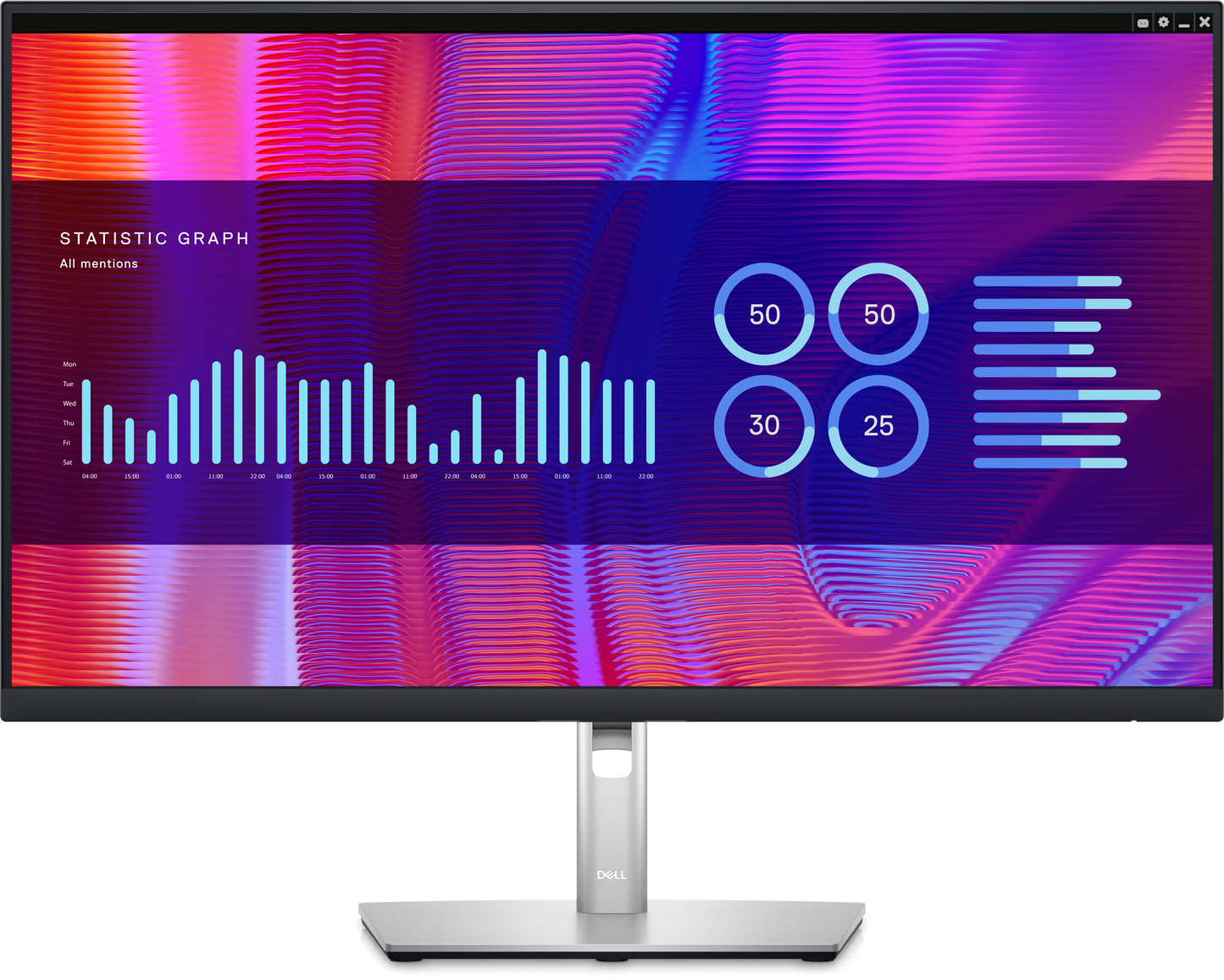
Exceptional contrast: Experience superior black and consistent grey performance with exceptional contrast (2000:1) across a wide viewing angle with IPS Black technology.
Immersive design: This ultra wide, curved screen improves your field of view, reduces reflections and creates a near-uniform visual focus.
Built-in speakers: Deliver clear audio with integrated dual 5W speakers.
Brilliant color: See your work in vibrant, consistent colors across a wide viewing angle with a color depth of 1.07 billion colors and wide color coverage—98% of the DCI-P3 color space (99% sRGB).
Enhanced eye comfort: ComfortView Plus—an always-on, built-in low blue light screen—reduces potentially harmful blue light emissions without compromising color.
Jumpstart productivity: Wake up and switch on your laptop with the power sync feature.
Modern Intuitive User Interface: New modern user interface for ease of use and personalization of features with Menu launcher.
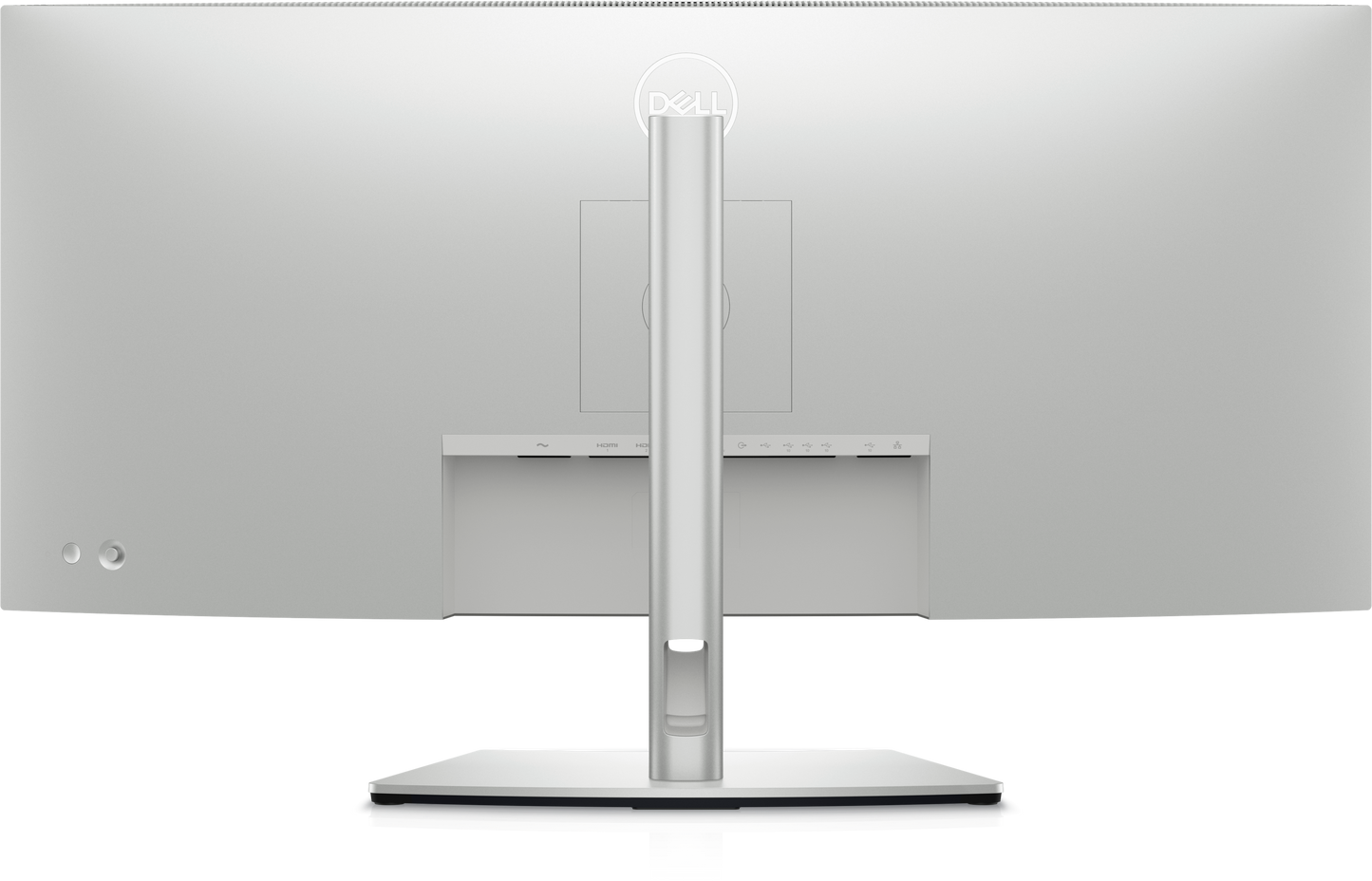
Designed with purpose: With a premium platinum finish, a three-sided ultrathin bezel design, a small base and an elegant cable management system made to reduce clutter, it’s the monitor built to match any workspace.
Easy to use: Navigate the menu and adjust screen settings with a conveniently-placed joystick control.
Built for comfort:
Tilt, swivel, slant and adjust the height of your monitor, so you can work however you’re most comfortable.
8 ms (grey-to-grey normal) 5 ms (grey-to-grey fast)
Refresh Rate
60 Hz
Aspect Ratio
21:9
Backlight Technology
WLED
Brightness
300 cd/m²
Contrast Ratio
2,000:1
Color Supported
1.07 billion colors
Viewing Angles
178° (Vertical and Horizontal)
Panel Technology
IPS Black
Compliant Standards
RoHS, BFR-free, PVC-free
Ports and Connector
1 x DisplayPort version 1.4 (HDCP2.2) 2 x HDMI port version 2.1 (TMDS) (HDCP2.2) 1 x USB Type-C upstream port (video and data) (Alternate mode with DisplayPort 1.4, Power Delivery PD up to 90 W) 1 x USB-C upstream port (data only, 10 Gbps USB 3.2 Gen2) 4 x super speed USB 10 Gbps (USB 3.2 Gen2) Type-A downstream port 1 x super speed USB 10 Gbps (USB 3.2 Gen2) Type-C downstream port with charging capability at 15 W (maximum) 1 x super speed USB 10 Gbps (USB 3.2 Gen2) Type-A with BC1.2 charging capability at 2 A (maximum) 1 x Audio line-out port 1 x RJ45 port
Cables Included
Power cable DisplayPort 1.8 M cable (DisplayPort to DisplayPort) HDMI 1.80 M cable USB-A to USB-C Gen2 cable 1.0 M (A to C) Type-C 1.0 M cable (C to C)
Power cable DisplayPort 1.8 M cable HDMI 1.80 M cable USB-A to USB-C Gen2 cable 1.0 M Type-C 1.0 M cable Monitor Stand Quick-Start Guide Product Manual
Purchased because of the integrated kvm features. The ease of switching inputs is great and sharing the mouse and keyboard is awesome. The only downside is you have to have the dell display manager installed on both computers to use the hotkeys to change from one display to the other. If you are not an admin on the machine this will be a problem.I use a dell laptop and my MacBook Pro and have no problems with integration at all.It is desired to have a higher resolution for the display so you can fit more on the screen.Picture quality is fantastic and brightness works in bright office environments.The front screen can catch a glare if sunlight hits it directly.Overall recommend for anyone working from home who wants to be able to switch between a personal computer and work computer. MUST have!!!!
M
MUDIT CHORARIA
GOOD ONE MONITOR Immersive productivity: See more and achieve more on this 34” ultrawide WQHD (3440 x 1440) curved screen. With wider onscreen space, you can multitask effectively—without the need for a dual monitor setup. All-encompassing experience: The 1900R screen curvature creates a wider field of view, minimizes reflection and offers near uniform visual focus, for a more comfortable visual experience over extended viewing periods. Plus, the built-in, dual 5W speakers deliver great sound. Unparalleled focus: Get incredible depth, breadth and a wrap-around view that helps you focus on your work. With IPS technology, you can expect consistent color and picture quality across a wide 178° viewing angle.
S
Sharon B. Sherman
this is a great performing monitor in terms of the picture quality, ease of use, reasonable weight, just great. I had a laptop I sometimes want to have a screen that is large enough with good color reproduction so having the kvm functionality that lets you quickly plug in power and video with the DP-C charging port - wow. I struggled some hours with trying to get the kvM mouse to switch and ran in circles with Dell Support. finally figured it out but will give you some caveats if you want to use this. 1) Download the proper display manager. On the Mac, I also updated the driver with a link Dell sent me. Put the Display manager on both machines that you wish to hook into the monitor. then in the KVm set up on the Display Manager software you, assuming you are hooking the upstream data only USB C-C or C-A (both work), then BE SURE to select C-2 on the setup - picture attached. Then your KVM will switch. I have a second monitor attached to the 2nd machine (a tower), and also tested this with a Mac laptop and a Windows 11 laptop. The KVM switching worked - be sure to configure a hotkey and make it the same on both machines. Hope this helps.
J
JOANNE
Works great with our Apple laptop
N
Nadia Irace
I can't say anything about gaming... I don't game. I use this monitor for my telework days and my home use. I have one at the work cubical and I wanted the same set up at home... which is perfect. Great sound as well. Love the idea I can have multiple computers tied to it at once and switch back and forth. Plus, it is wide enough to have two work document open side by side.
Choosing a selection results in a full page refresh.