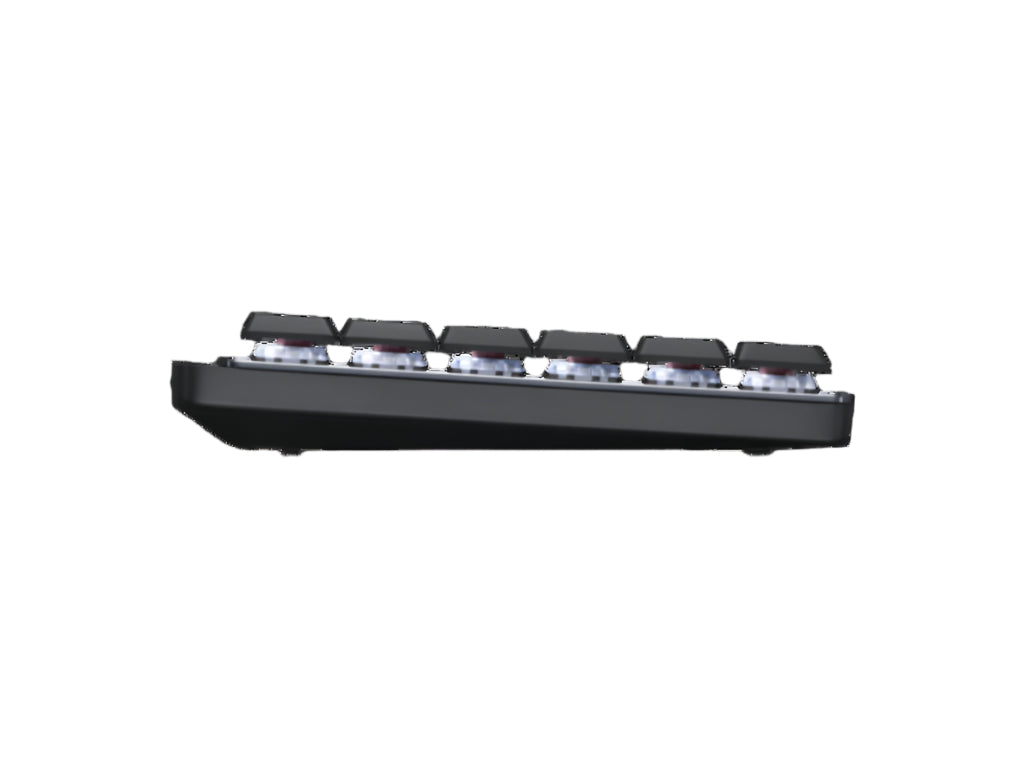
Logitech MX Mechanical Mini Wireless Bluetooth Illuminated Keyboard
Logitech MX Mechanical Mini Wireless Bluetooth Illuminated Keyboard
- Free Pan-India Shipping
- Easy 7-Day Returns
- GST Invoice on Every Order
- 100% Genuine, Brand New & Sealed
- Original Manufacturer Warranty
- Trusted Since 2014 · 15 Lakh+ Orders
Couldn't load pickup availability
Product Description:
Fluid and quiet mechanical typing: MX Mechanical Mini keyboard features Linear switches that deliver next-level feel and flow with less noise - Clicky and Tactile switches are also available
Low-profile keys, more comfort: A keyboard layout designed for effortless precision, with a small, compact form factor and low-profile mechanical switches for better ergonomics
Smart illumination: Backlit keys light up the moment your hands approach the cordless keyboard and automatically adjust to suit changing lighting conditions
Faster workflow, more customisation: Customise Fn keys, assign backlighting effects, enable Flow cross-computer, multi-device control, and more in the improved Logi Options+ (1)
Multi-device, multi-OS: Pair MX Mechanical Mini Bluetooth wireless keyboard with up to 3 devices on nearly any operating system via Bluetooth Low Energy or included Logi Bolt receiver(2)
USB-C quick charging: MX Mechanical Mini keyboard stays powered up to 15 days on a full charge or up to 10 months with the backlighting turned off (3)
| Model | Logitech MX Mechanical Mini Wireless Keyboard |
| Part Number | 920-010784 |
| Connectivity Technology | Bluetooth Logi Bolt |
| Connectivity Range | 10 meters |
| Battery Life | 15 Days with Backlight on |
| Battery Charging | USB-C Rechargeable |
| Dimensions | 31 x 13 x 3 cm; 612 g |
| OS Support |
Windows® 10,11 or later macOS 10.15 or later Linux 11 ChromeOS 12 |
| Weight | 828 g |
| Warranty | 1 Year Brand Warranty |
| Package Contents | Keyboard Logi Bolt receiver USB-C charging cable (USB-A to USB-C) User documentation |