


Synology DiskStation DS1525neo+ 5-Bay NAS with AMD Ryzen V1500B and Dual 2.5GbE (Diskless)
Synology DiskStation DS1525neo+ 5-Bay NAS with AMD Ryzen V1500B and Dual 2.5GbE (Diskless)
Couldn't load pickup availability

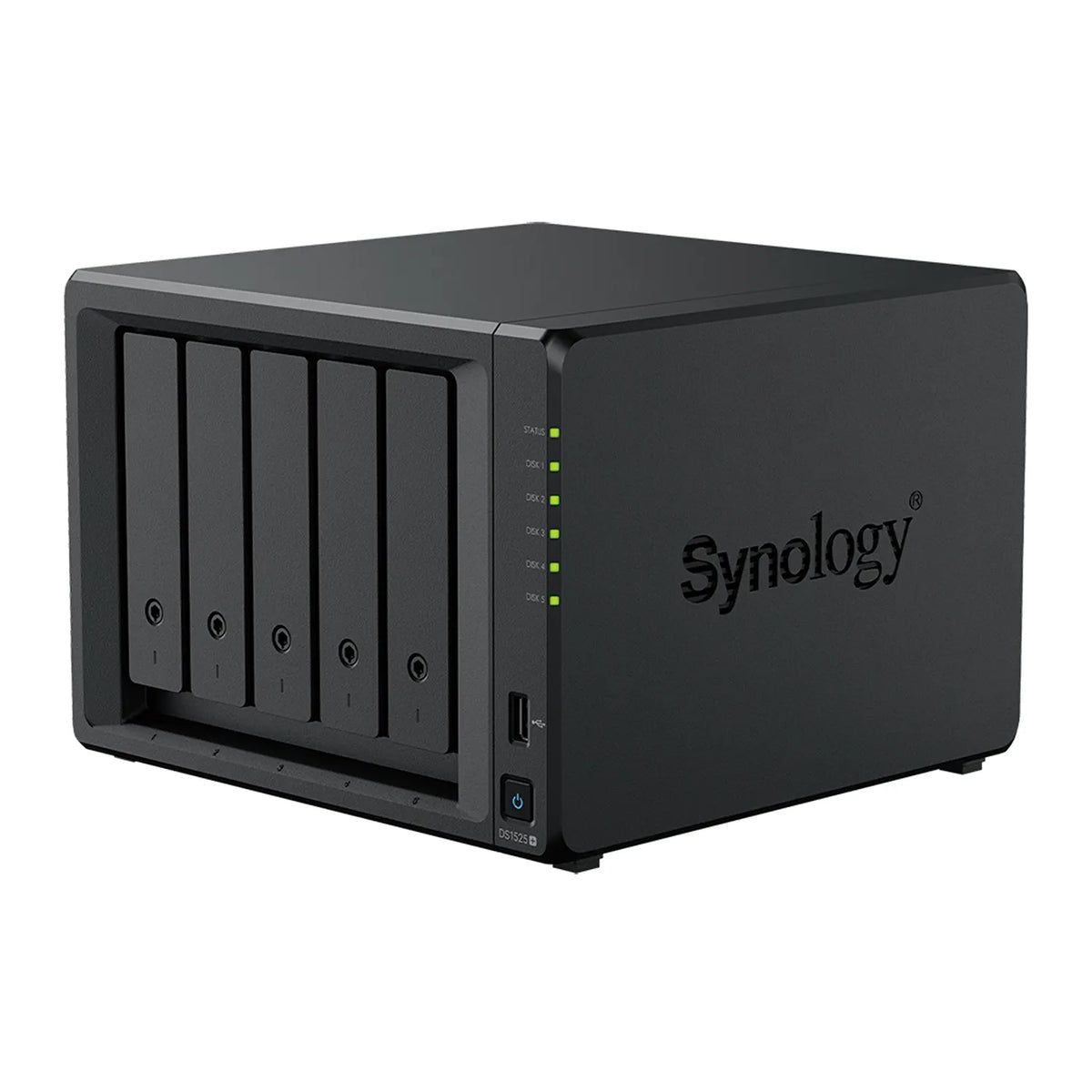
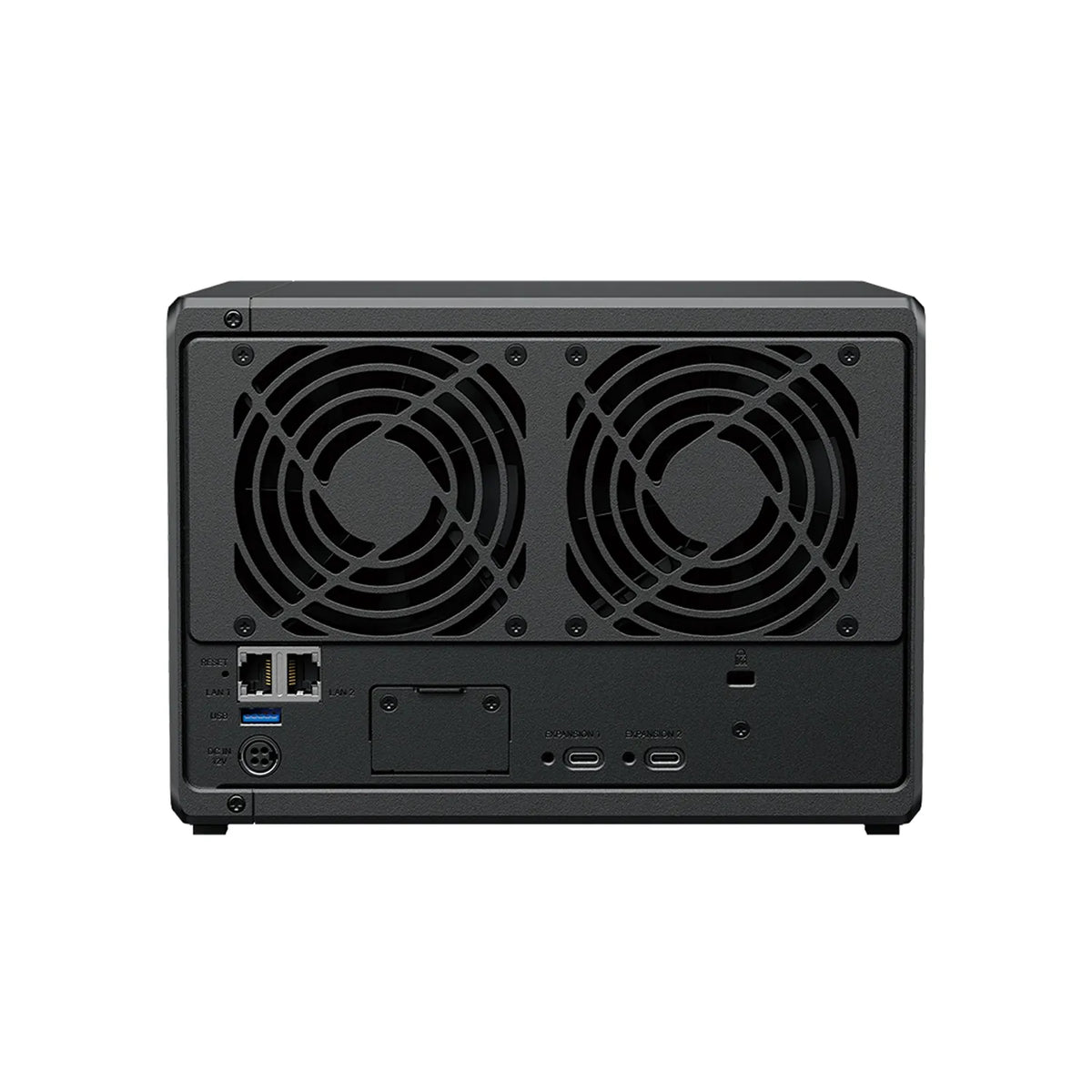

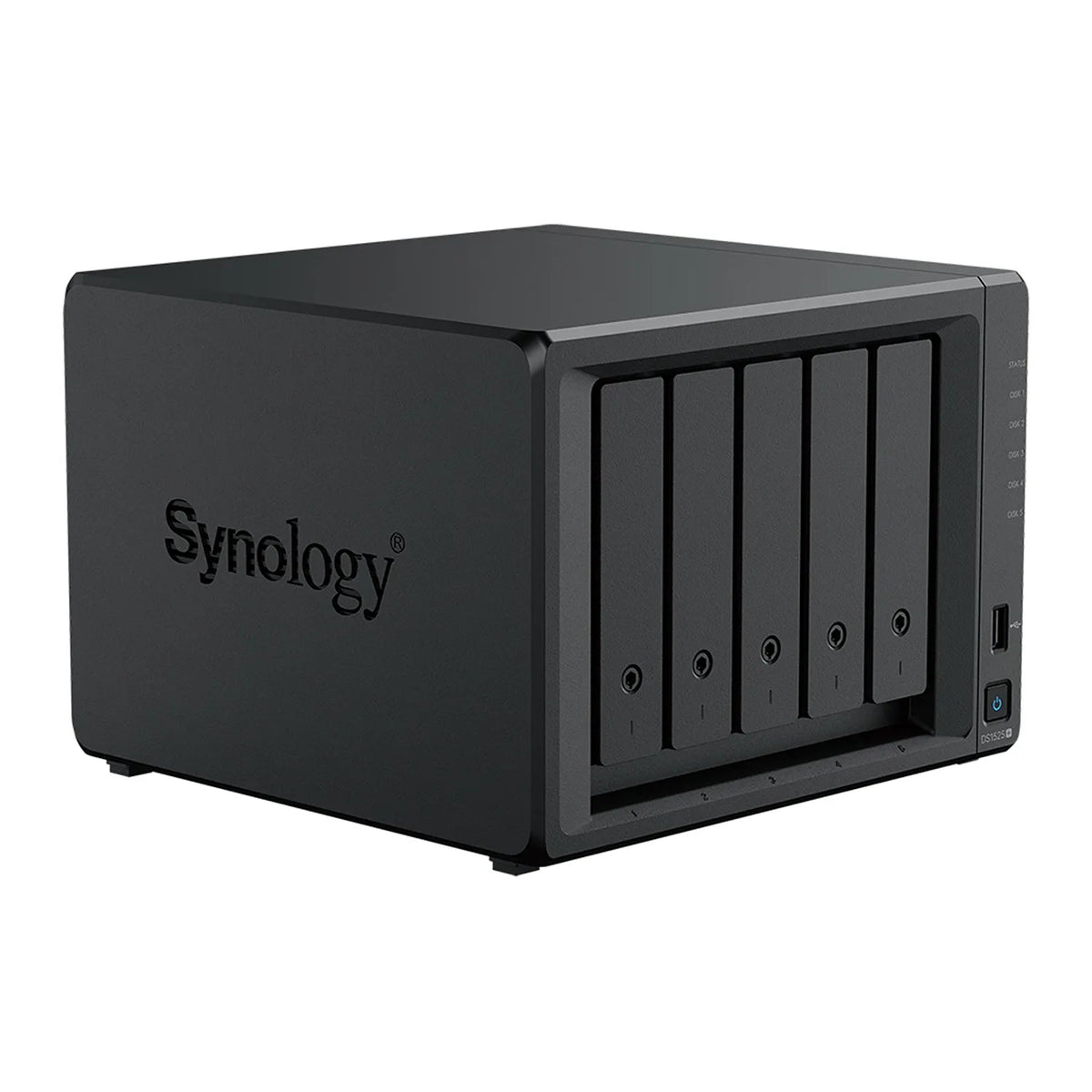
Five Bays Up to 120TB: Five 3.5 inch bays hold up to 120 TB raw with 24 TB drives, and two DX525 expansion units take it to 15 drives.
Same Ryzen Platform: The neo+ uses the same AMD Ryzen V1500B quad-core, eight thread processor as the DS1525+, with 4 GB of non-ECC memory expandable to 32 GB.
Dual 2.5GbE, 10GbE Ready: Two 2.5GbE ports come standard, and the network upgrade slot takes an E10G22-T1-Mini module for 10GbE.
M.2 NVMe Slots: Two M.2 2280 NVMe slots take SSDs for caching or a fast SSD storage pool.
Quiet Office Unit: Two 92 mm fans run at 22.6 dB(A), and the NAS uses about 44.6 W in use and 13.6 W when drives sleep.
A five bay Ryzen NAS for buyers who want the DS1525+ hardware with standard non-ECC memory at a lower price.
Product Specifications:
| Brand | Synology |
| Model | DS1525neo+ |
| Processor | AMD Ryzen V1500B, 4 cores, 8 threads, 2.2 GHz |
| Memory | 4 GB DDR4 non-ECC SO-DIMM (2 slots, up to 32 GB) |
| Drive Bays | 5 x 3.5 inch SATA HDD or 2.5 inch SATA SSD |
| M.2 Slots | 2 x M.2 2280 NVMe |
| Drives Included | No, diskless |
| Maximum Drives | 15 with two DX525 expansion units |
| LAN | 2 x 2.5GbE RJ-45 |
| Network Upgrade Slot | 1 x PCIe Gen3 x2 (for E10G22-T1-Mini) |
| USB | 2 x USB 3.2 Gen 1 |
| Expansion Ports | 2 x USB Type-C |
| Fans | 2 x 92 mm |
| Noise Level | 22.6 dB(A) |
| Power Supply | 120 W adapter, 100V to 240V AC |
| Power Consumption | 44.56 W access, 13.63 W HDD hibernation |
| Dimensions (H x W x D) | 166 x 230 x 223 mm |
| Weight | 2.67 kg |
| Country of Origin | Taiwan |
| Warranty | 3 Year Synology Warranty |
Pick drives, plan your RAID, add cache, memory and setup. The more you add, the more you save.
Ordered on quote
Tell us your capacity and use case. We plan the drives, RAID and setup, and arrange payment and delivery.
Plan your storage
Set your bays and RAID, then pick a drive. Each drive shows the usable capacity it gives.
Choose a drive
Add SSD cache or an NVMe pool
Add a memory upgrade
Add installation and setup
Our engineers set up RAID, volumes, users and backups, on site or remote. Choose one.
Review your solution
Here is everything you have configured.
Compatibility is taken from each manufacturer datasheet and official list. “Compatible” parts meet the model spec but are not on the brand verified list.