Collection: NAS for Creators & Editors
Edit straight off the network and stop juggling external drives. Our NAS for video editing and content creators deliver the throughput serious 4K, 6K and 8K workflows need — with shared project storage your whole team can work from at once.
The difference between a frustrating and a smooth editing NAS is nearly always the network and cache: 10GbE (or faster), NVMe SSD cache and all-flash options keep ProRes, BRAW and multicam timelines scrubbing without stutter.
What matters for a creator NAS
-
10GbE / 25GbE or Thunderbolt — 1GbE (about 115 MB/s) is too slow for 4K; 10GbE handles 4K and beyond.
-
NVMe cache or all-flash — sustained high read/write for large-file and multi-stream editing.
-
Strong CPU and plenty of RAM — for indexing, previews and multiple editors at once.
-
RAID 5/6 and PCIe expansion — protect projects and add faster networking later.
Our recommended creator NAS
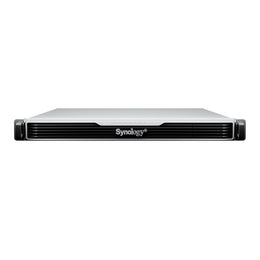
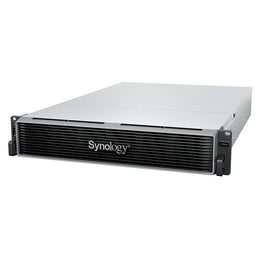
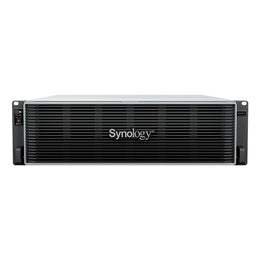
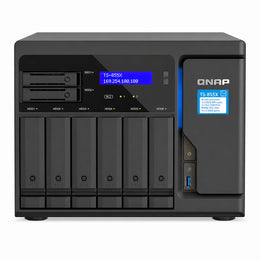
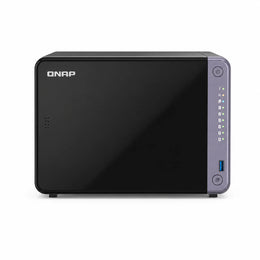
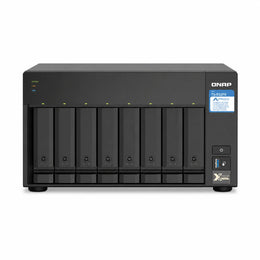
For built-in 10GbE, the QNAP TVS-h874, TS-855X and TS-473A / TS-873A are excellent, and the TS-432X / TS-632X put 10GbE in reach at a lower price. All-flash and Thunderbolt models suit on-set and single-editor speed. (Note: Synology's DS925+ tops out at 2.5GbE and has no PCIe slot, so for a true 10GbE editing bay we point creators to the QNAP models or Synology's rack / xs+ line.) Fit high-capacity NAS drives and add our installation service.
Creator NAS FAQs
Do I really need 10GbE? For solo proxy editing 2.5GbE can work; the moment you edit 4K directly or add editors, 10GbE transforms the experience.
Is it good for photographers? Yes — fast NVMe-cached storage plus AI photo management (QuMagie / Synology Photos) handles huge RAW libraries.
Can a team share one NAS? Yes — that is the point: central project storage with permissions and versioning.
Working solo or for a business? See small-business NAS and enterprise & rackmount NAS. Free shipping and EMI across India.